.jpeg)
Adding Cash App as a payment method to your Shopify store can drastically improve the checkout experience for the customers who prefer using mobile.Although Shopify does not provide an official integration for Cash App, it is easy to include it among your store's various payment methods.
In this guide, we will explore how to set up Cash App payments manually and via third-party integrations and how you can troubleshoot some common problems to ensure smooth transactions.
Cash App is a mobile payment system that Square, Inc. created to enable fast transfers between users. The platform provides users with a linked debit card, direct deposits, and cryptocurrency transaction capabilities.
Your Shopify store can reach a wider customer base of Cash App users when you integrate this payment method.
Accepting Cash App payments gets simpler by making this method readily available every single time. Customers must verify payments via Cash App prior to proceeding with the fulfillment of their orders.
Begin by setting up a Cash App business account to handle transactions professionally. This type of account offers features tailored for business operations, such as tracking payments and providing customer support.
Log in to your Shopify admin panel and navigate to Settings > Payments. Scroll down to the Manual payment methods section.
By setting this up, customers selecting this option at checkout will receive instructions to complete the payment via Cash App. Once you confirm receipt of the payment, you can proceed with fulfilling the order.
For a better integration, consider using third-party applications that bridge Cash App with Shopify, reducing manual verification and enhancing the customer experience.
Jotform offers a solution to create custom payment forms linked to your Cash App account. These forms can be embedded into your Shopify store, allowing customers to complete payments without leaving the site.
This method automates the payment process and minimizes manual intervention.
Steps to Integrate:
This integration streamlines the payment process, providing your customers a professional and efficient checkout experience.
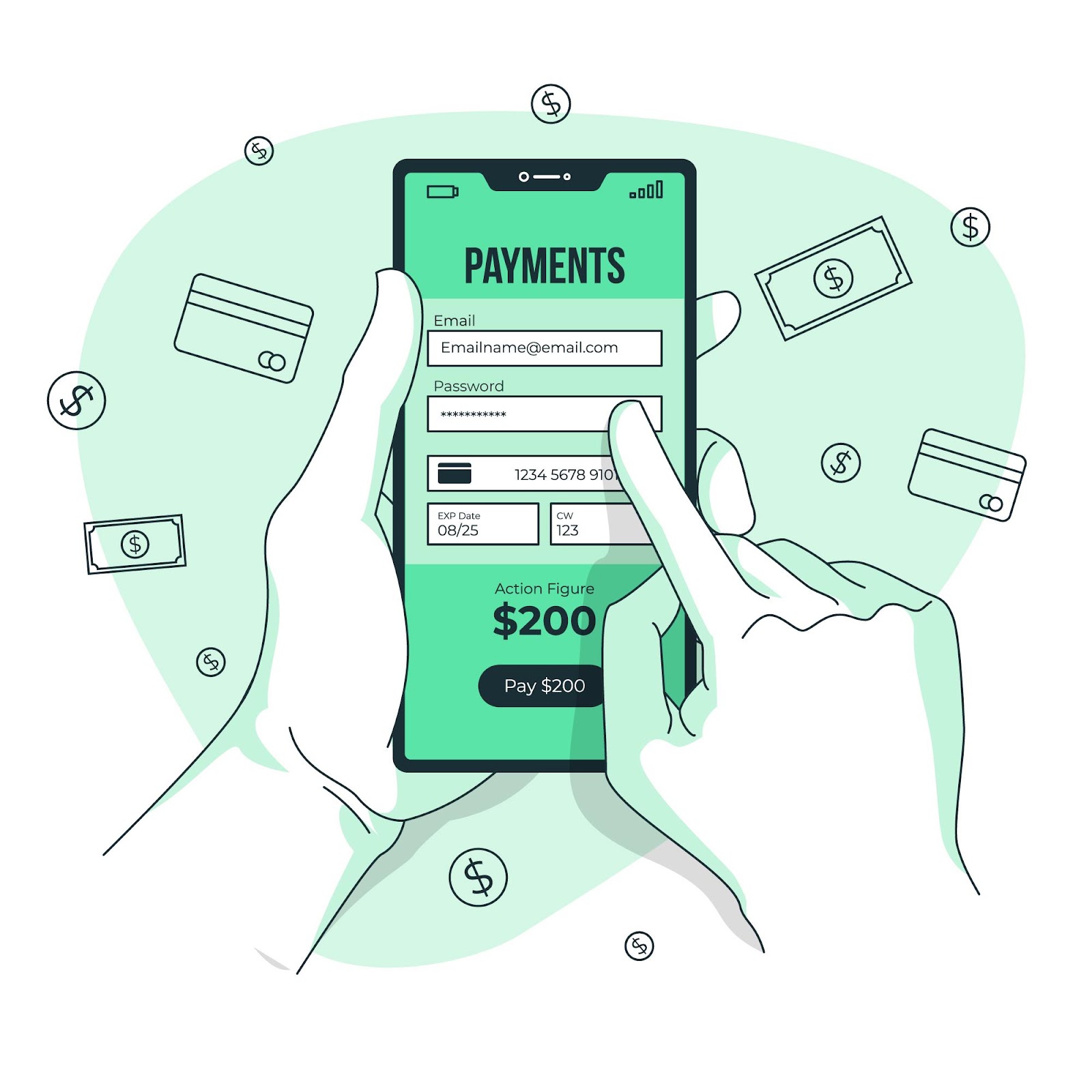
Another alternative is the Checkout Republic app, which integrates Square payments with Shopify. Since Square owns Cash App, this connection indirectly allows you to accept Cash App payments. However, this service involves additional costs, including a setup fee and monthly charges.
Considerations:
Choosing the right integration depends on your business requirements and resources.
While integrating Cash App can improve your store's payment options, you may encounter some challenges. Here are common issues and their solutions:
Some customers might select Cash App as a payment method but fail to finalize the transaction.
Solution:
Manually verifying each payment can be time-consuming and prone to errors.
Solution:
Handling disputes without a formal payment gateway can be challenging.
Solution:
Proactively addressing these issues can maintain a smooth payment process and increase customer satisfaction.
1. Can I integrate Cash App directly with Shopify without third-party tools?
Shopify lacks native support for handling Cash App payments at this time. You can set it up manually for payment purposes or utilize outside integrations to facilitate this process somehow.
2. Are there fees associated with accepting Cash App payments on Shopify?
Manual Cash App payment acceptance generally doesn't entail extra costs beyond standard fees. Third-party integrations often entail setup fees and monthly charges.
3. Can customers request refunds through Cash App for Shopify orders?
Refunds, however, must be processed manually. Cash App lacks direct integration with Shopify, so refunds must be sent via Cash App, and then the order status must be updated.
Shopify lacks native support for Cash App, but Manual payment methods via Jotform facilitate this option pretty effortlessly nowadays. Each approach has pros and cons, so choose one that aligns perfectly with your specific business needs.
Provide clear payment instructions upfront so payments get tracked effectively and disputes get resolved. To learn more about insights of Shopify, visit DIGITORM now!
Discover why mobile marketing should be your top priority in 2025. Learn about the latest trends, from in-app ads to 5G, and how Digitorm can help you stay ahead!








.jpeg)
