When building or revamping your WordPress site, you'd probably want to keep it under wraps until it's polished and ready for visitors.
You may need time to troubleshoot issues, test features, or finalize the design without exposing incomplete or broken pages to your audience.
Fortunately, WordPress offers several effective methods to hide your site until it’s ready to go live.
In this guide, we’ll explore five easy ways to hide your WordPress site while editing from prying eyes, giving you peace of mind while you work behind the scenes.
Here are some instances where you might need to hide your WordPress site:
Here are 5 ways you can hide your website in development or editing mode:
One of the easiest and most popular ways to hide your WordPress site is by using a Coming Soon or Maintenance Mode plugin.
These plugins allow you to create a visually appealing page that informs visitors your site is under construction while you do your editing on WordPress in the background.
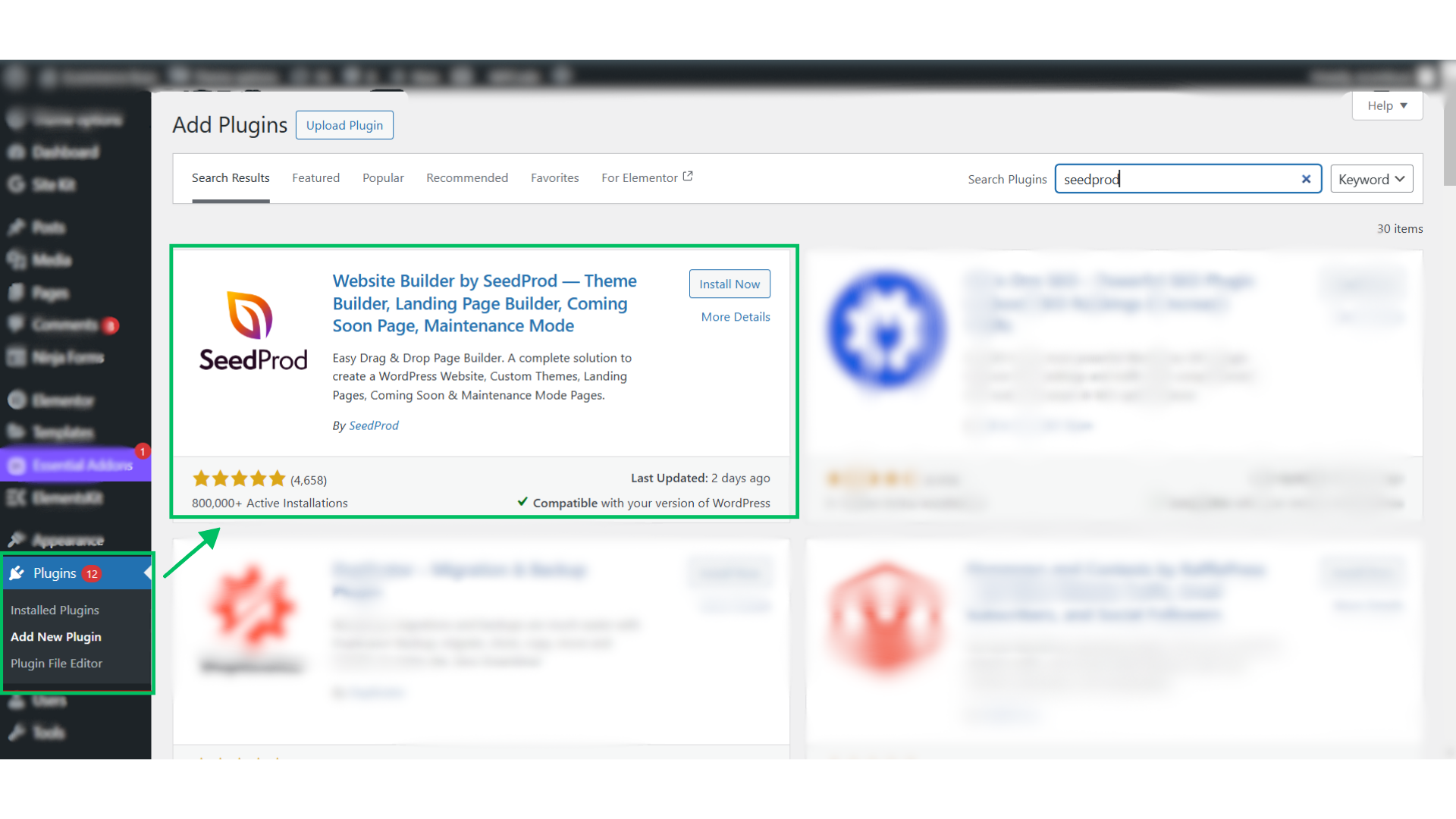
We recommend using SeedProd for this purpose. It's all in one WordPress plugin that enables coming soon or maintenance mode pages alongside other page-building capabilities.
If you’re only working on specific sections of your site and don’t need to hide the entire thing, you can make individual posts or pages private.
This method is useful for collaborative work, as only admins and editors can view the private content while making edits.
That's it! Only users with admin or editor roles can view the private page while you work on it.
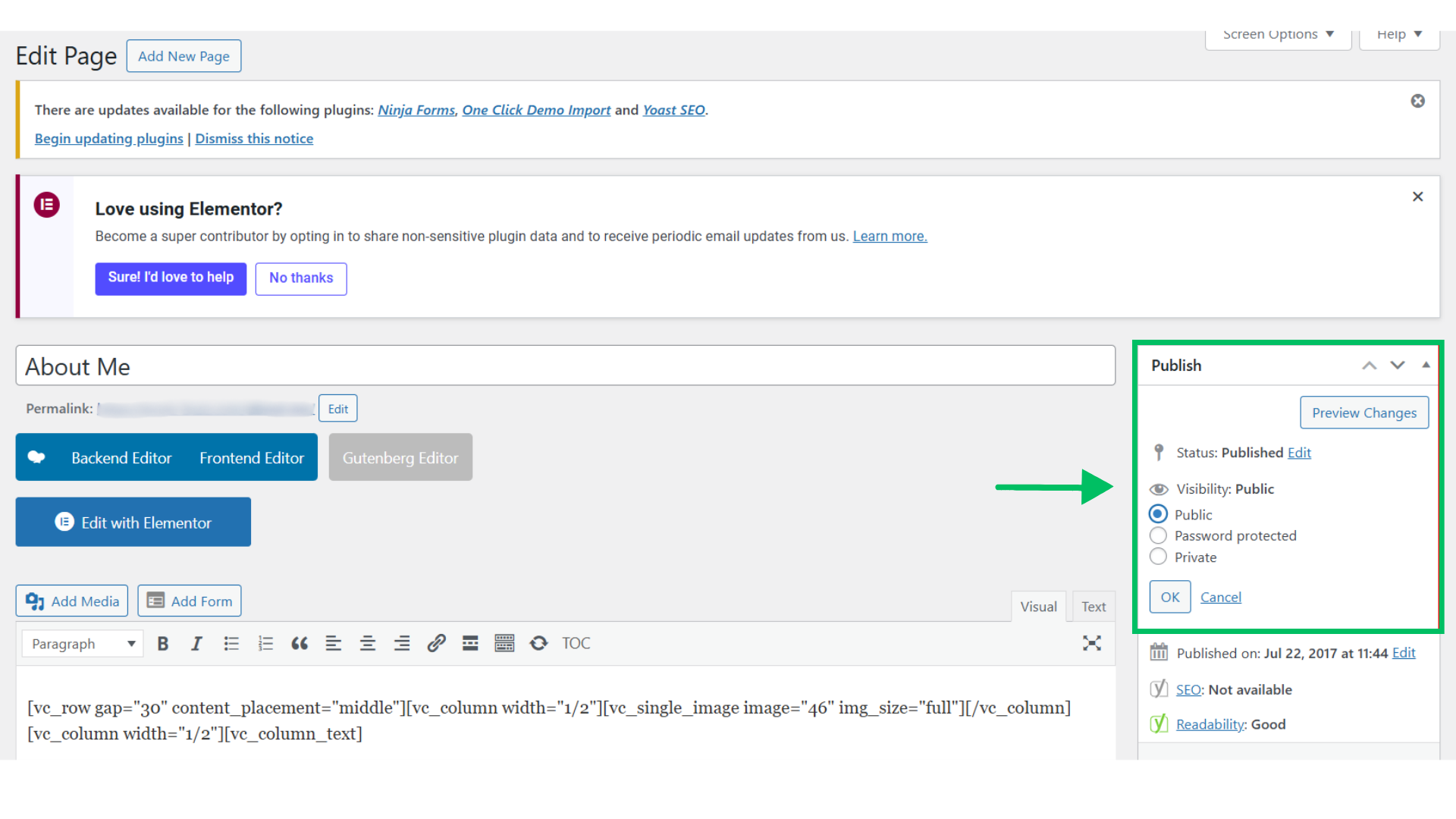
Password-protection requires anyone who wants to access the site to enter a password. It's a useful option when working on a client’s site or if you want to share your progress with collaborators.
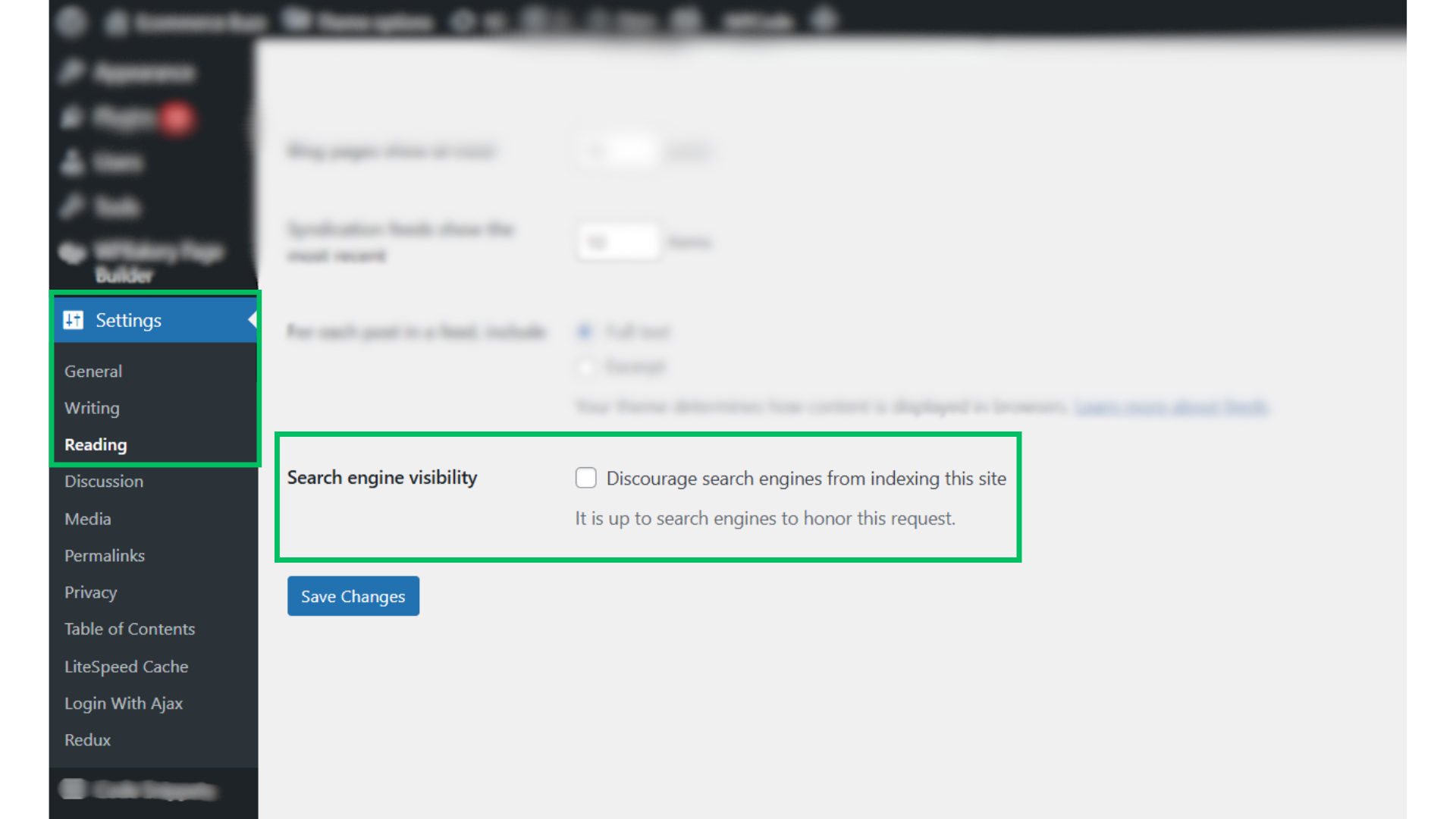
If you want to prevent your unfinished WordPress site from showing up in search engine results, you can turn off its search engine visibility.
While this won’t block access entirely, it will hide your site from search engines until you’re ready to launch.
Although this method doesn’t hide your site from users who have the direct URL, it prevents search engines from indexing your unfinished website, making sure it doesn’t appear in search results.
You can build your WordPress website locally on your computer, ensuring that it’s entirely hidden from the public internet until you’re ready to launch. This is an advanced method that’s ideal for developers or those comfortable with using local server tools.
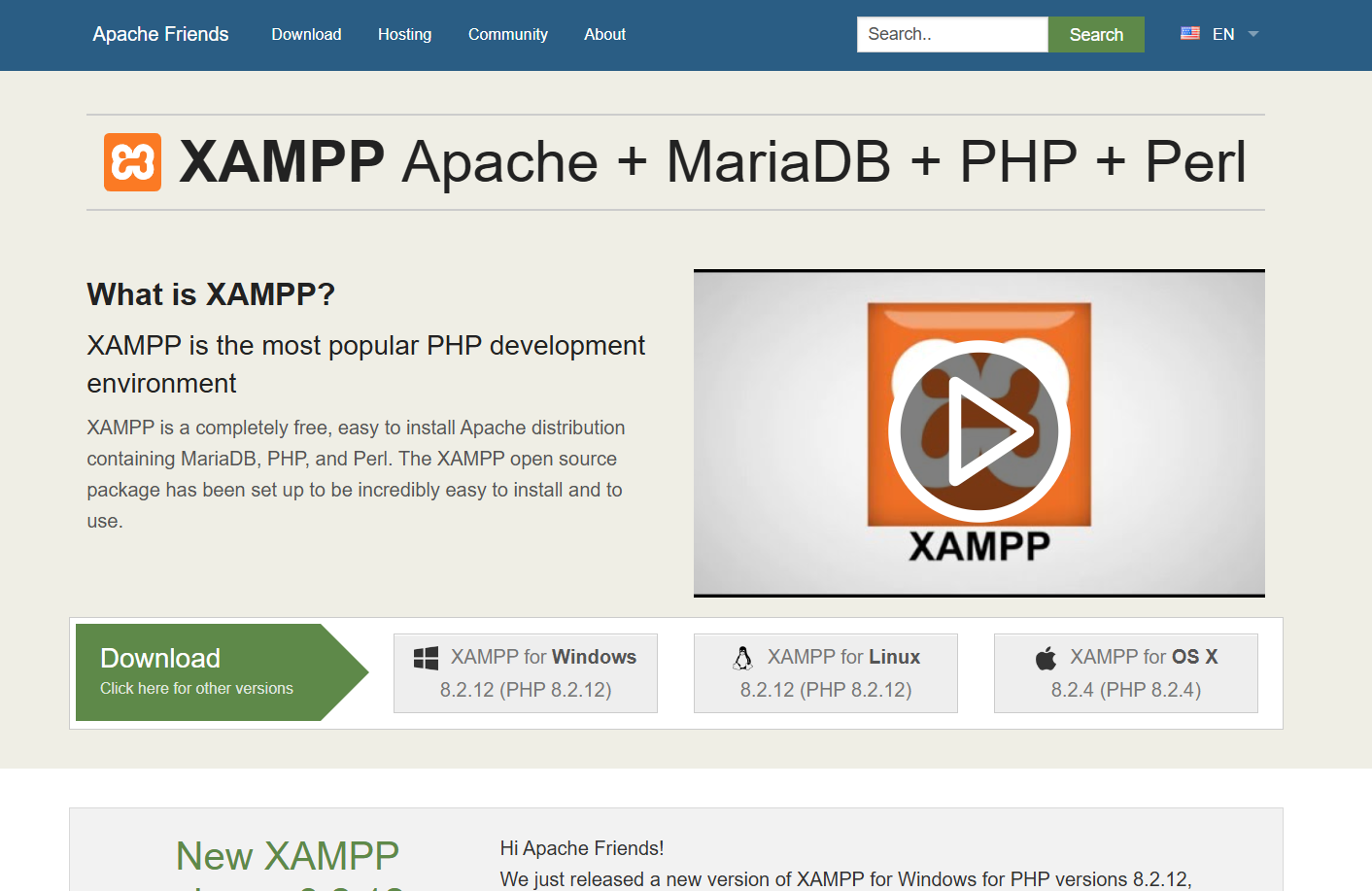
To build your website locally, you can use tools like XAMPP or Local by Flywheel. These tools create a local environment where you can develop and test your site.
Once you’re satisfied with the design and functionality, you can migrate the local site to a live server.
1. Can I still edit my site if I set it to private?
Yes, setting your site to private only restricts public access; you can still edit and manage your content freely.
2. What should I do if I forget the password for my protected site?
If you forget your password, you can access your WordPress dashboard and change the password in the plugin settings or disable the password protection entirely.
3. Is there a way to preview changes without making them public?
Yes, you can use the preview modes available in the WordPress editor to see how your changes will look without publishing them.
4. Can I hide my site from specific users?
While most methods hide the site from everyone, some plugins allow you to manage access for individual users, granting specific permissions while keeping others restricted.
5. How do I know when my site is ready to go live?
You should check that all features work as intended, content is complete, and that you’ve tested it on various devices and browsers before launching.
Hiding your WordPress site while it’s under construction is a smart move to avoid confusion or negative first impressions. If your visitor encounters a bug or even a poorly managed site, it can create a dent in your brand image.
Choose the method that best fits your needs and technical comfort, and work on your site in peace until it's ready to shine. Once you are done with all the WordPress edits, make your site live and watch it foster.
Ready to make your WordPress site stand out? Digitorm's expert team can ensure a smooth launch and seamless user experience for your brand. Contact us today to get your site live and thriving
Discover why mobile marketing should be your top priority in 2025. Learn about the latest trends, from in-app ads to 5G, and how Digitorm can help you stay ahead!







.jpeg)
